Klikvp.com Exploite

Even though things are updated regularly on this blog, an iframe based exploit was discovered today. Unlike the previous iframe attack, which came through a SQL injection, this one involved modified theme files. Unlike the previous googlerank.info iframe attack, this one’s payload does not appear to be malicious, rather it is spammy.

There are a few things that point to some level of sophistication in the injection. First off, the code was injected into the end of the header.php file, only on the active theme. Typically, a script kiddy will not bother figuring out which theme is in use and instead will carpet bomb the place with malicious code. Secondly, the modification date on the file matches the last time the header was uploaded from the testbed. No, the testbed’s code was not compromised. This points to a possible Windows exploit (yes the Weblogs.us server still runs on Windows, unfortunately.) as any changes should have caused the modification date and time to update. Finally, rather than having the iframe hidden via CSS, there is a container div which is hidden instead, making it more difficult to have a general CSS rule to expose the iframe.

< div style="display:none" >< iframe src="http://klikvp.com/css/go.php?sid=1" frameborder="0" height="1" width="1" > < iframe > < div >

That is the offending code. Spaces were added to prevent execution. Klikvp is the same as Klikvip which is a known spammer. The tricky sucker is using a wrapping div now. The good news is that WordPress Exploit Scanner will find this, so keeping it around and periodically scanning is a good thing to do. It doesn’t offer dashboard notifications like Iframe-b-gone does but it scans files and other things that Iframe-b-gone does not.

-John Havlik

[end of transmission, stay tuned]
A Major Shift

As stated before Breadcrumb NavXT 2.2 will be vastly different from 2.1, especially API wise. Work is underway on the core, which when stabilized, will allow work on the administrative interface to take place. This is the second major rewriting of the plug-in done in the last year. Previously, the modifications to the core were made to aid in adding features, and enhance modification to it. However, there where some shortcomings which should be overcome by the new more object oriented approach. So far this is the short list of what is changing:

  • Anchor templates – akin to the WordPress’ custom permalink template, this allows more flexibility (i.e. allows users to set the rel element among other things).
  • Streamlining of the options – options depreciated due to the use of anchor templates, ones that now are already set in WordPress (e.g. the static frontpage option), and ones that were depreciated due to structural changes. The current short list of depreciated options include:
    • URL Title Prefix – obsolete due to anchor templates
    • URL Title Suffix – obsolete due to anchor templates
    • Static Front Page – depreciated in 2.1.3 due to ability to automatically determine this thanks to the WordPress setting “Front page displays” under Settings > Reading.
    • Current Item URL Title – obsolete due to anchor templates
    • Archive by Date Format – reassigned, delimits between a hierarchical date archiving (multiple breadcrumbs in the trail), or the old method following the format specified in the WordPress setting “Date Format” under Settings > General.
  • Deeper WordPress integration – not just with the removal of duplicated options, extensive use of filters should alleviate problems with plugins such as Polyglot and qTranslate (Previous support was via “hacks”.).
  • Reorganization of the Administrative interface – Not only are the options streamlined, option names are more obvious, and grouped in a more appropriate manner. The interface is also tabbed into several virtual pages thanks to some JavaScript magic. This considerably shortens the apparent size of the options page.
  • New Classes – A breadcrumb class and a breadcrumb trail class combine to make the plugin as a whole much more flexible. Unfortunately, this means directly accessing the class does change between 2.1 and 2.2 and thus will require attention from users who directly access the class.

Additionally, a WordPress sidebar widget plugin will be shipped with 2.2.0. This will remove the need for some users to ever touch a theme file, as long as their theme supports sidebar widgets. By this weekend the new core on SVN will be usable, as the bugs are worked out the administrative interface will receive the attention it needs. Around August 8th a Beta will be available, for this much change it is of the utmost importance that some serious testing is done before a formal release is made. If you would like to help test, stay tuned for a post announcing the beta, and report back on your experience.

-John Havlik

[end of transmission, stay tuned]
Back From Elevation

Going into work this morning was less than desirable. After a week in Colorado, the humidity of Minnesotan summers seem unbearable. The trip was nice, even though it rained on us just about every day, and no I’m not talking about the typical 5:00pm rains.

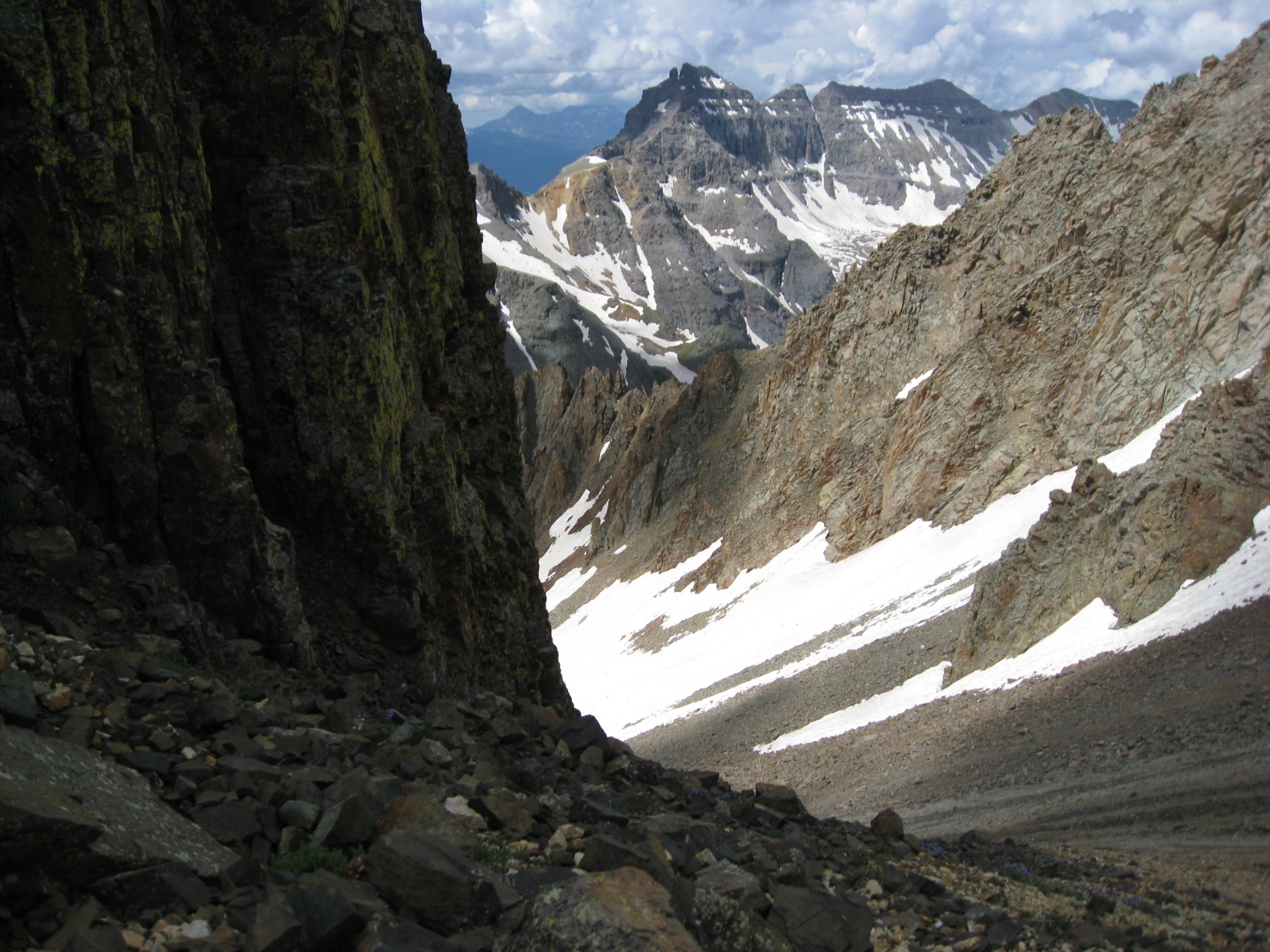
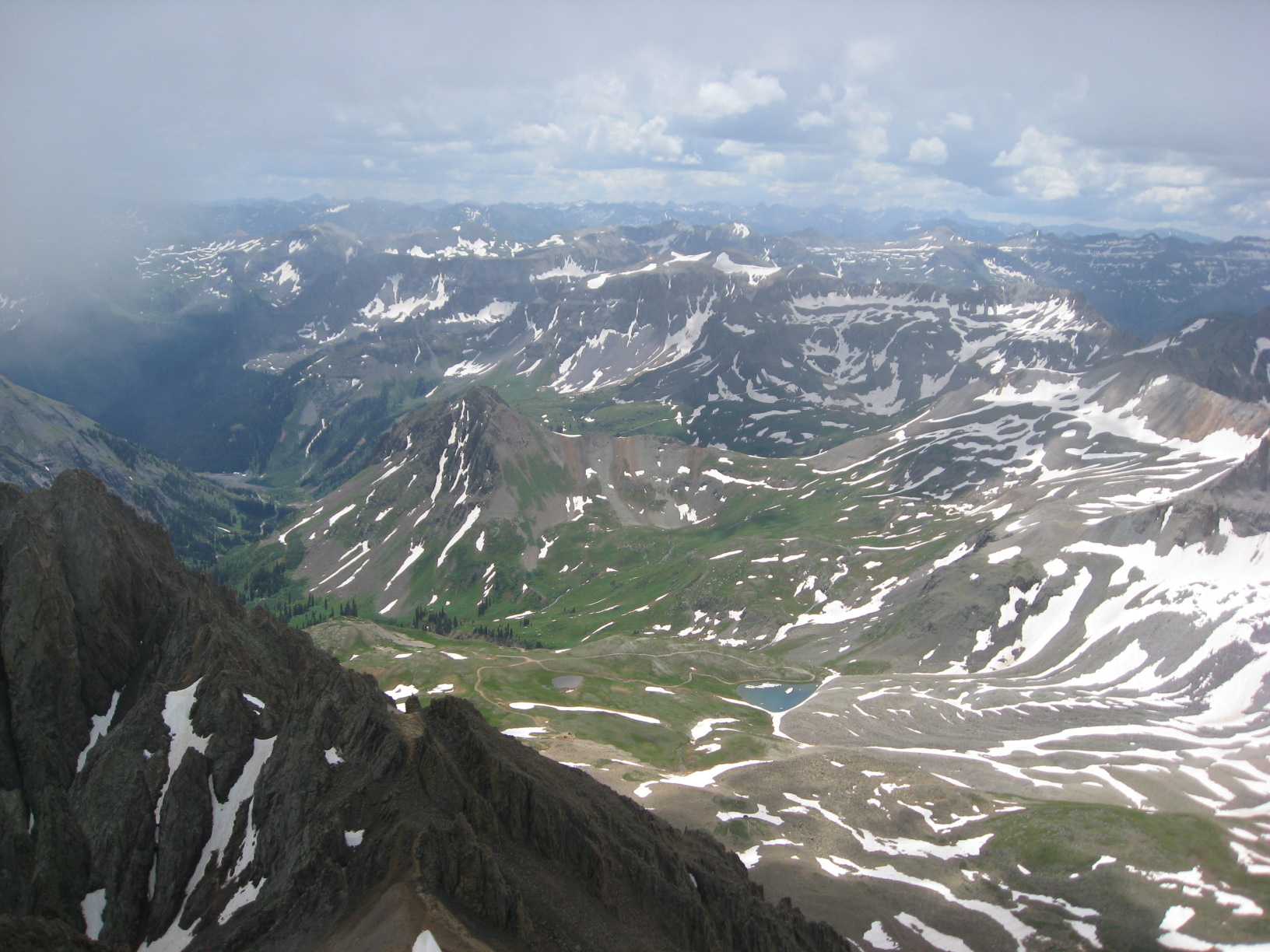
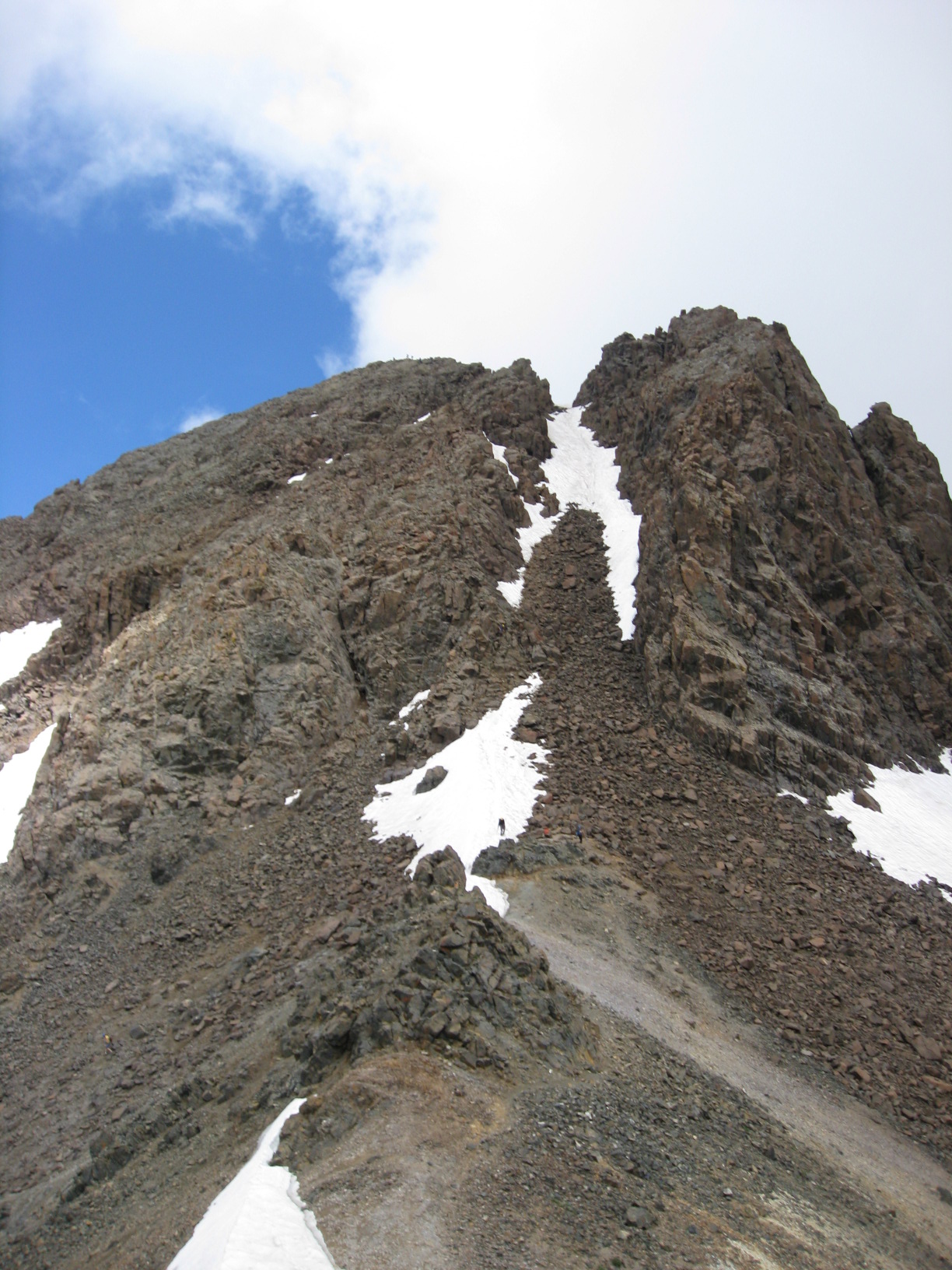
We made it up to the ~14,000ft summit of Mt. Sneffels. There was a nice 100ft patch of melting snow near the summit that we climbed through while ascending. While my old ASICS GT-2100 running shoes were fine for most of the climb, they lacked proper tread for snow. Thus, it was necessary to use both hands and feet to keep climbing without sliding down. Luckily, a few other groups knew a much better route, which completely avoided the snow for the descent. In its place, was a nice two-foot-wide shelf above a 50ft or so cliff. It was not snow, thus was not a problem.

There are many more pictures from the trip. I’ll eventually get a pictures page up with the pictures from this trip and from Moab, Utah last year.

I found the manual mode for the SD850, which really helped with the grainy image problems I was having before. Tweaking some other settings further reduced the graininess to the point that point-n-shoot auto mode produced pretty good pictures. All-in-all, the camera is pretty good, it is just different from the previous PowerShots I had.

-John Havlik

[end of transmission, stay tuned]

Mtekk’s Testimonials 1.1.0

Available immediately, Mtekk’s Testimonials 1.1.0 is a substantial improvement to the previous release. This release migrates from MooTools 1.11 to MooTools 1.2. Now requiring a particular domain or TLD is optional. JavaScript dependencies are handled elegantly now through WordPress’ methods. Finally, errors in form entry are now more elegantly reported to the user in a list above the form. Invalid form entries are marked as a member of the ‘merror’ CSS class. Valid entries will retain their data.

-John Havlik

[end of transmission, stay tuned]
Tagged:
Updated:

Uninstall Captchas?

Software follows a life cycle on a computer, which begins with installation and ends in uninstallation. Uninstallation may happen for various reasons, new version of the software, free disk space for other things. Removing software should be less painful than installation. Software that is difficult to remove is evil. Viruses and spyware/malware typically make the removal process as painful as possible. Oddly enough Symantec does the same thing with their consumer grade “Security Software”.
Are you human?
While working on a computer for a neighbor, I came across a few tool bars and other general junk installed on the computer. Even though tool bars usually are not spyware, there is no reason to have the Google, Yahoo, and ask tool bars installed plus a few others. The uninstallers were one or two click installers, pretty standard stuff. Then came the odd software. No one knew what it was, but it was sitting on the installed applications list. Before uninstalling, the user was prompted to fill out a captcha to prove that they were not a computer. After filling it out the uninstall process proceeded as usual. A second software package had the same sort of thing, but it was a tad more sophisticated. It had animated noise bars. Either way, why are these software writers afraid of automated removal of their software? It is pretty obvious, they wrote malware.

What did it do? Well, the obvious thing was auto spawning and eating up 50% of the CPU resources (the system has a Pentium D 820 processor). It disguised itself as Internet Explorer (Why anyone still uses IE is beyond comprehension). Additionally it would cause periodic pop ups and a odd message alert prompt stating “Windows Explorer” when entering Control Panel.

-John Havlik

[end of transmission, stay tuned]